

Growth creates an unusual problem for handyman businesses. Booking more jobs should translate into more revenue, not more confusion, yet the opposite often happens once daily job counts exceed what a single dispatcher can track by memory and a phone.
The informal coordination that carried a two-person crew through its first year rarely holds up once four or five technicians are working separate jobs across a city on the same day. At that point, the business needs a system, not more effort from the people already stretched thin.
Why Handyman Service Call Software Exists
This is exactly the moment such handyman service call software tools were built for: When the number of moving jobs outpaces what any single person can track by memory. Instead of one dispatcher juggling five conversations at once, every job lives in a shared queue: What’s assigned, what’s in progress, what’s waiting, and who’s free to take the next call.
What Happens When Volume Outpaces the System
Most handyman businesses don’t feel this pressure early on. A two- or three-person crew can coordinate by phone. But once a team is juggling four to six jobs a day across different neighborhoods, according to industry analysis of handyman operations, the informal system starts to crack. A missed text means a technician shows up without the right materials. A double-booked slot means a client waits an hour past their window. None of these is a one-off mistake. They’re what happens when job volume grows faster than the tools managing it.
What a Multi-Job Day Actually Needs
Handling several jobs at once, spread across a city, requires more than a shared calendar. It needs:
· A live view of every job’s status, not a string of unanswered texts
· The ability to reassign a job in seconds when one call runs long
· Job details, checklists, and client notes that travel with the technician automatically
· A way for the office to see who’s closest when an urgent request comes in mid-morning
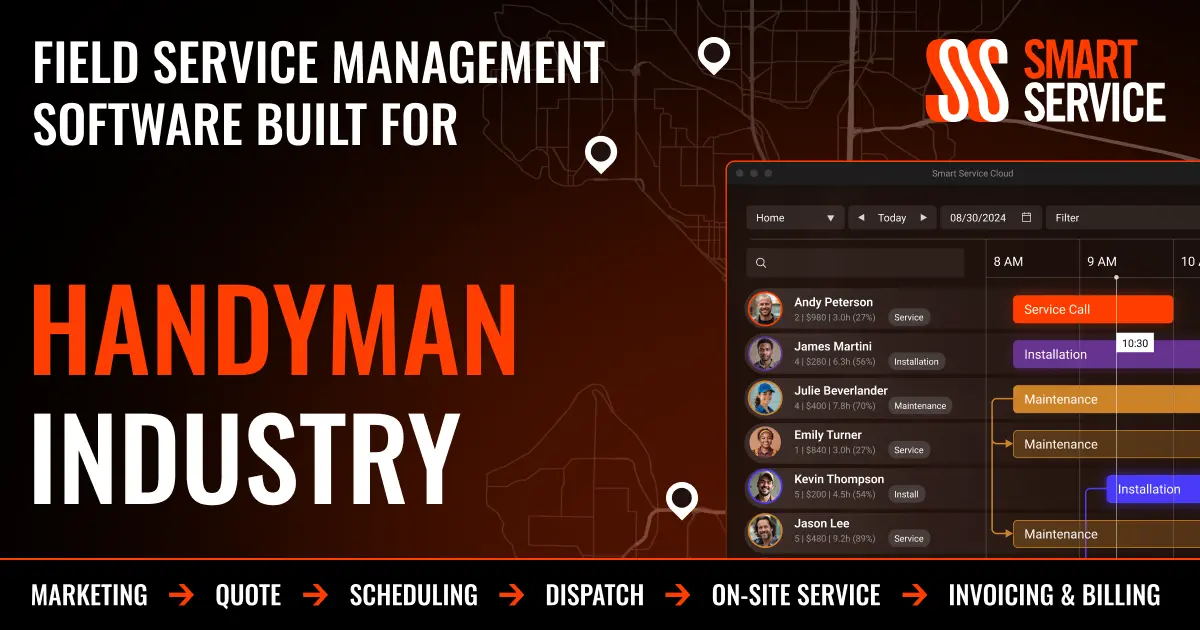
Planado handles this by giving dispatchers one calendar view where every technician’s day is visible at once, so a schedule change doesn’t mean tracking down whoever’s free by phone. Reassigning a job takes a drag and a drop instead of a round of calls.
Where the Real Time Gets Lost
The hidden cost of juggling many jobs isn’t the work itself. It’s the coordination overhead: the calls to confirm someone arrived, the texts asking whether a job is finished, the end-of-day scramble to remember what actually happened. A technician finishing a shelf installation shouldn’t have to interrupt the next job to phone in an update. When status changes, photos, and completed checklists sync to the office automatically, that overhead mostly disappears, and the day runs closer to how it was planned rather than how it unraveled.
Keeping Pace Without Losing Control
Teams that outgrow manual coordination usually notice the same pattern first: more jobs booked, less visibility into how the day is actually going. The fix is giving the office and the field a shared, real-time picture of every job in motion, so juggling five calls doesn’t mean losing track.
